

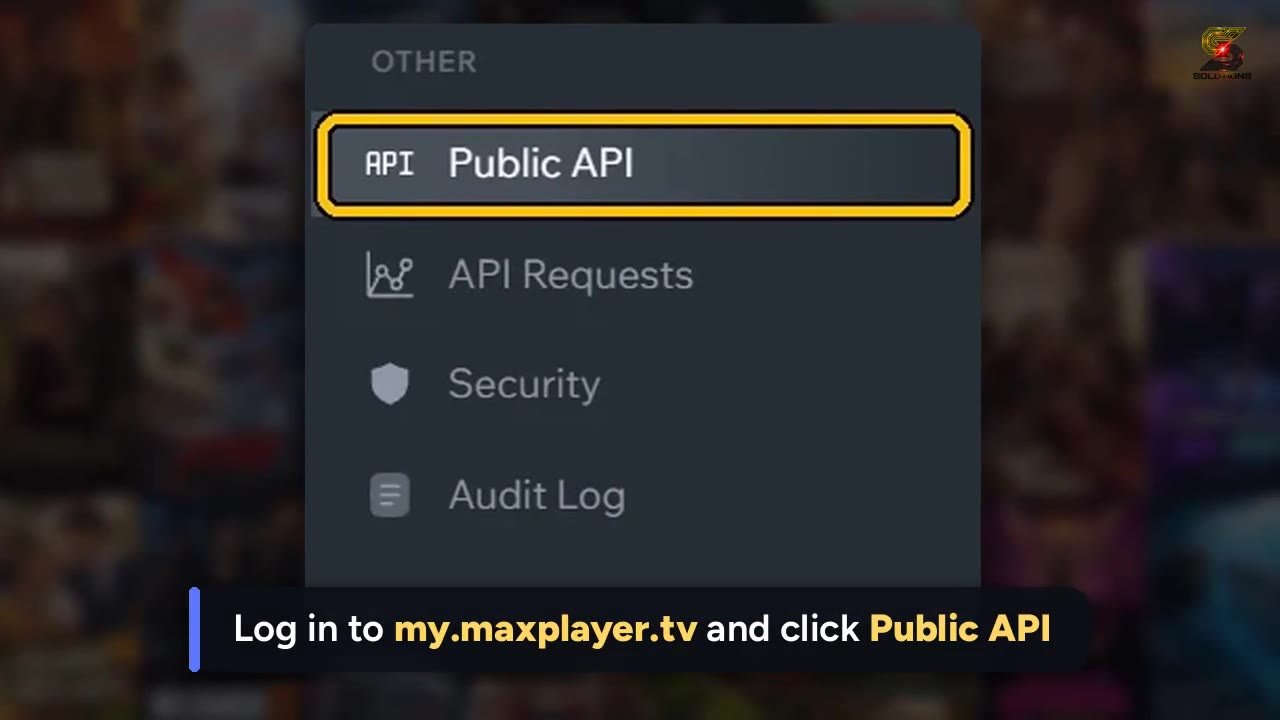
 ▶ Tap to watch: Create your API key
https://revenda.tutoriaisdoapp.online/en/api-key/#video
Log in to your panel:
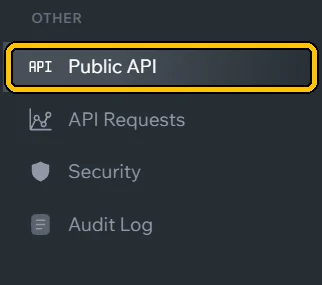
my.maxplayer.tv.In the menu, click Public API.
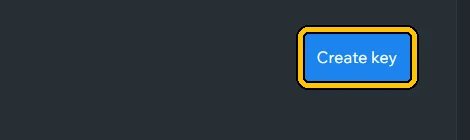
Click Create key.
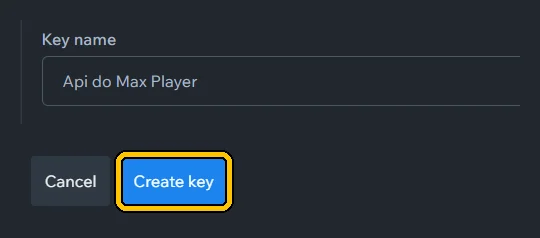
Give it a name you will recognize (e.g. Sigma) and click Create key again.
Click Copy key and save the key. It is shown only once.
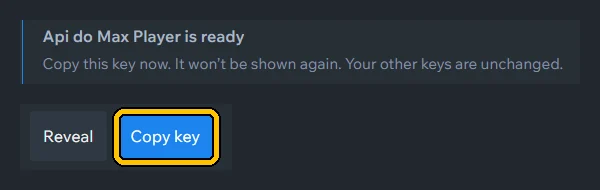
The key works like a password. Never send it in groups or screenshots. Lost or leaked? Delete it in Public API and create another.
The key is not your panel password or the list link. Copy the whole key, with no spaces before or after.